

Adding Visual Effects (VFX) on a Budget
Written by: The Buddi Team
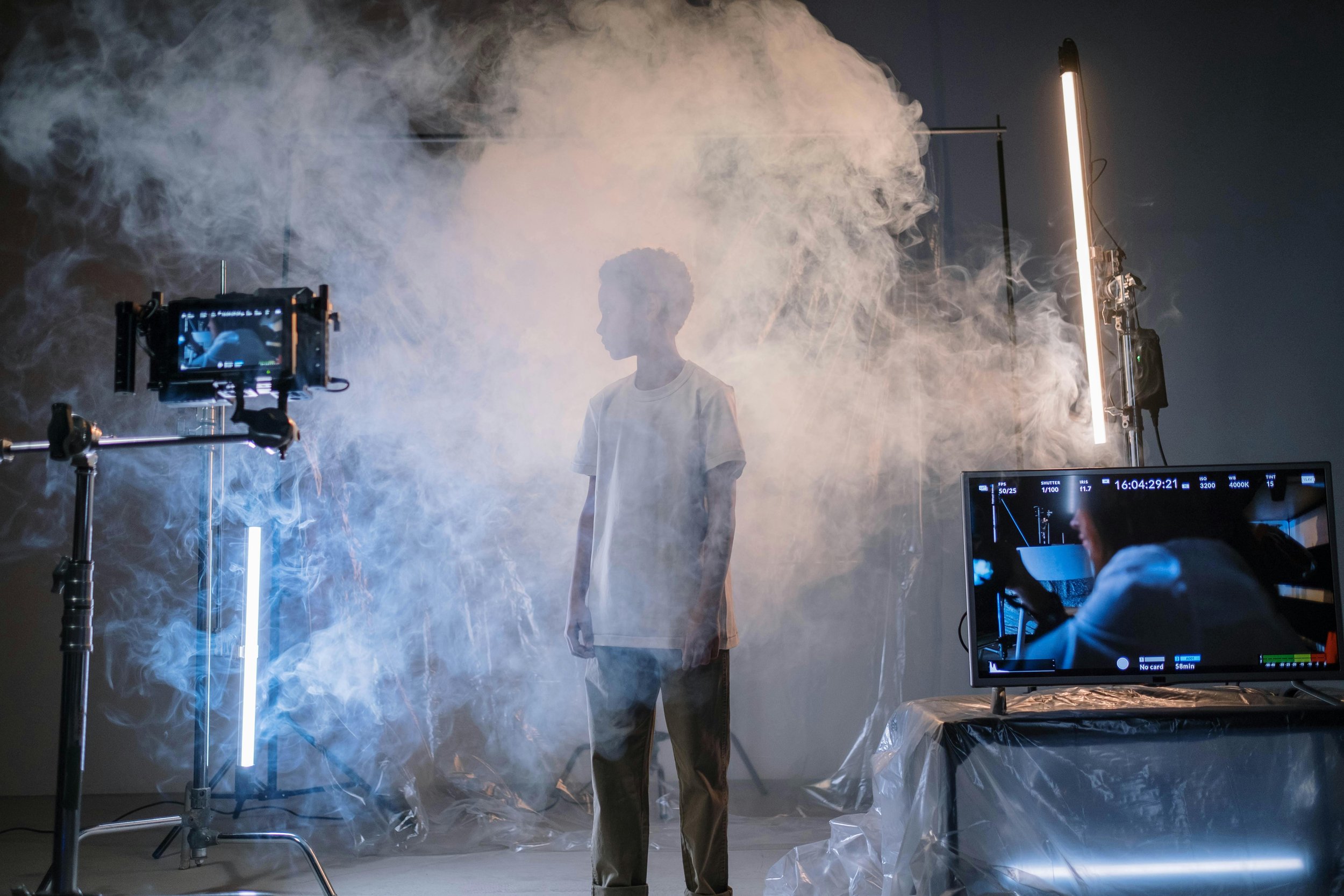
The dream of "Hollywood-style" visual effects often comes with the nightmare of Hollywood-sized invoices. However, in 2026, the barrier to entry has officially collapsed. Whether you are an indie filmmaker or a content creator, you no longer need a multi-million dollar render farm to create movie magic.
Here is how to add high-quality Visual Effects (VFX) on a budget without making your project look like a low-budget experiment.
1. Master the "Practical-First" Rule
The secret to great budget VFX is to do as little in the computer as possible. This is known as Practical Effects.
The Blend: If you’re adding a digital fire, light your actor with a real orange flickering light on set. This "interactive lighting" makes the digital flame look like it’s actually there.
Physical Props: Use fishing line to move objects or real flour for "dust" explosions. It is much easier (and cheaper) to digitally remove a string than to animate a 3D object from scratch.
2. Leverage High-Quality Stock Assets
You don’t need to simulate every spark or muzzle flash. Digital marketplaces provide pre-rendered, professional assets that you can simply "overlay" on your footage.
ActionVFX & ProductionCrate: These sites offer massive libraries of explosions, weather effects, and magic spells. Many have "Free" tiers that are perfect for beginners.
The Trick: Use Blending Modes (like 'Screen' or 'Add') in your editing software to drop these elements right into your scene.
3. Use the Power of "Free" Software
In 2026, some of the world’s most powerful VFX tools are 100% free.
Blender: This is the gold standard for budget 3D. It handles everything from 3D modeling to motion tracking. The community is so large that if you get stuck, a YouTube tutorial exists for exactly your problem.
DaVinci Resolve (Fusion): The free version of Resolve includes Fusion, a professional-grade node-based compositor. It’s perfect for green screen removal (chroma keying) and sky replacements.
4. The "Invisible" VFX Strategy
Budget VFX doesn't always mean dragons and laser beams. Often, the best use of your budget is Invisible VFX:
Cleanup: Removing a stray power line, a branded logo, or a zit from an actor's face.
Sky Replacement: If your outdoor shoot had a boring grey sky, swapping it for a dramatic sunset can instantly increase your "production value" for zero dollars.
Final Takeaway
VFX on a budget is about planning, not just processing. Spend more time on your "clean plate" (the shot without the actor) and your lighting, and the software will do the rest. The best VFX are the ones that the audience never realizes are there.
Check out Buddisystems
Sign up for Buddisystems today and unlock a world of creative possibilities!