

Stop Motion Animation: A Guide to Bringing Objects to Life
Written by: The Buddi Team
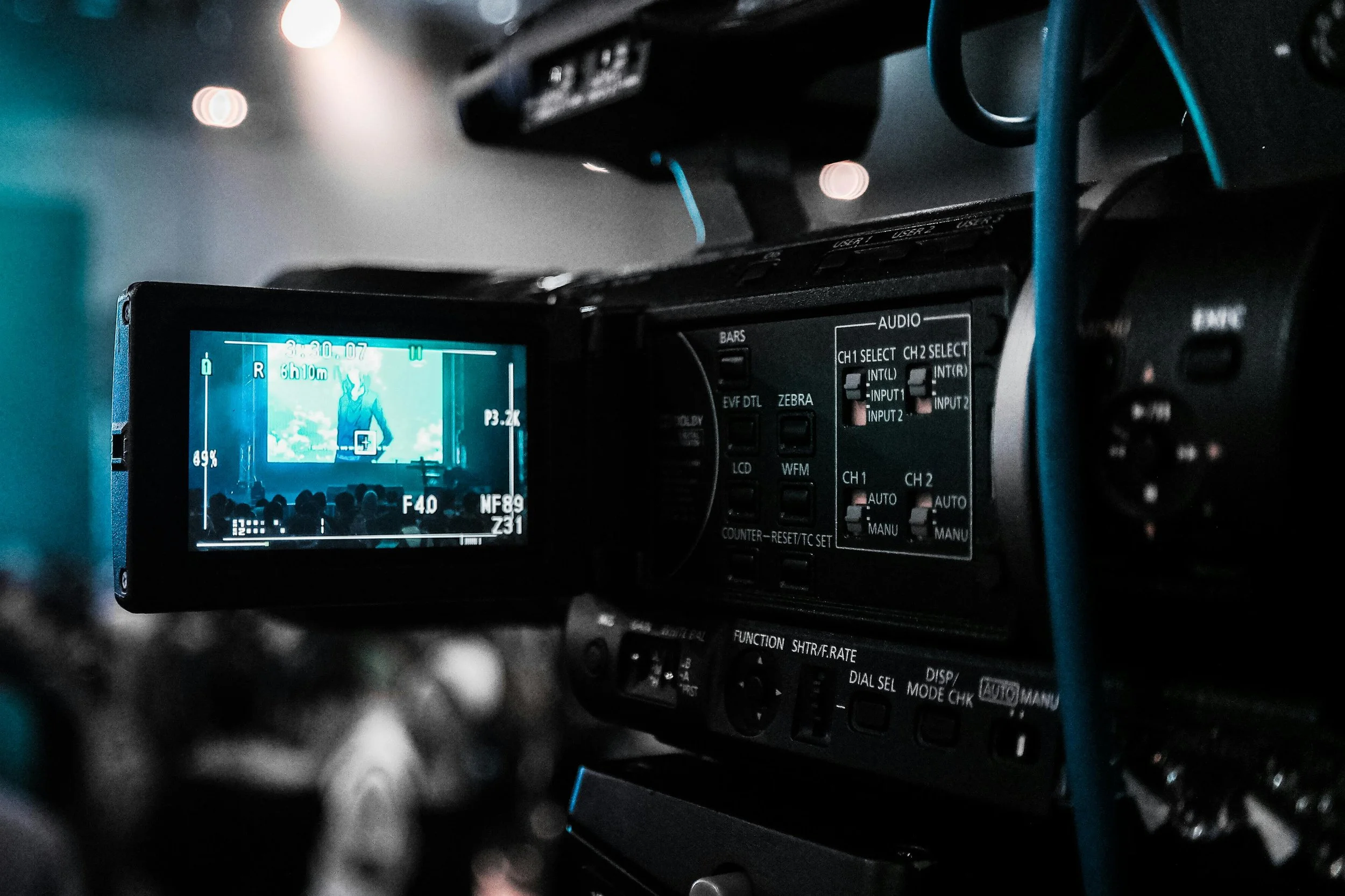
Stop motion animation is the ultimate "movie magic." Unlike CGI, where everything exists in a digital void, stop motion is tactile, physical, and wonderfully imperfect. It is the art of taking a static object—a piece of clay, a puppet, or even a coffee mug—and making it breathe, walk, and talk through thousands of tiny, incremental movements.
If you’ve ever watched The Nightmare Before Christmas, Guillermo del Toro’s Pinocchio, or even a simple LEGO brickfilm and wondered, "How do they do that?"—this guide is for you.
What is Stop Motion?
At its core, stop motion is a series of still photographs. You move an object a fraction of an inch, take a photo, move it again, and take another. When those photos are played back at high speed (usually 12 to 24 frames per second), the human eye perceives continuous motion.
It is a test of patience, but the result is a unique, "handmade" aesthetic that digital animation simply cannot replicate.
The Essential Toolkit
You don't need a Hollywood studio to start. In 2026, you can create a high-quality short with just a few basic tools:
A Camera: A smartphone is perfect for beginners. If you're looking for professional results, a DSLR or Mirrorless camera with a manual lens is the gold standard.
A Sturdy Tripod: This is the most important tool. If your camera moves even a millimeter between shots, the background will "shake," breaking the illusion.
Lighting: Consistency is key. Avoid natural sunlight (which changes as clouds move). Use desk lamps or LED panels to keep your lighting "locked."
Software: * Mobile: Stop Motion Studio (iOS/Android) is the industry favorite for beginners.
Desktop: Dragonframe is the professional standard used by studios like LAIKA and Aardman.
5 Steps to Your First Animation
1. The Setup (The "Stage")
Secure your background. Use "Blue-Tack" or tape to ensure your set doesn't shift. If you are animating a character, make sure they have a "rig" or heavy feet so they don't topple over mid-scene.
2. Lock Your Settings
Switch your camera to Manual Mode. You want to lock your White Balance, Focus, and Exposure. If the camera tries to "auto-adjust" between frames, you’ll get a distracting effect called "flicker."
3. The Rule of Small Moves
For smooth motion, less is more. If a character is starting to walk, the first few moves should be tiny (Ease In), getting slightly larger in the middle, and tiny again as they stop (Ease Out).
4. Use a Remote Shutter
Don't touch the camera to take the photo! Use a Bluetooth remote, a timer, or a laptop connection. Touching the camera causes "camera shake," which is the #1 enemy of stop motion.
5. Review and Edit
Watch your playback often. It’s better to catch a mistake after 10 frames than after 200. Once finished, add your sound effects—this is where the "soul" of the animation truly comes to life.
Why Choose Stop Motion in a CGI World?
In an era of AI-generated visuals and flawless CGI, stop motion stands out because it feels real. There is a thumbprint in the clay, a slight jitter in the fabric, and a physical weight to the characters. For creators, it’s a way to step away from the screen and build something with their hands.
Pro Tip:
Start small! Try animating a piece of fruit rolling across a table or a crumpled piece of paper "un-crumpling" itself.
Check out Buddisystems
Sign up for Buddisystems today and unlock a world of creative possibilities!