

Troubleshooting Common On-Set Problems (And How to Fix Them)
Written by: The Buddi Team
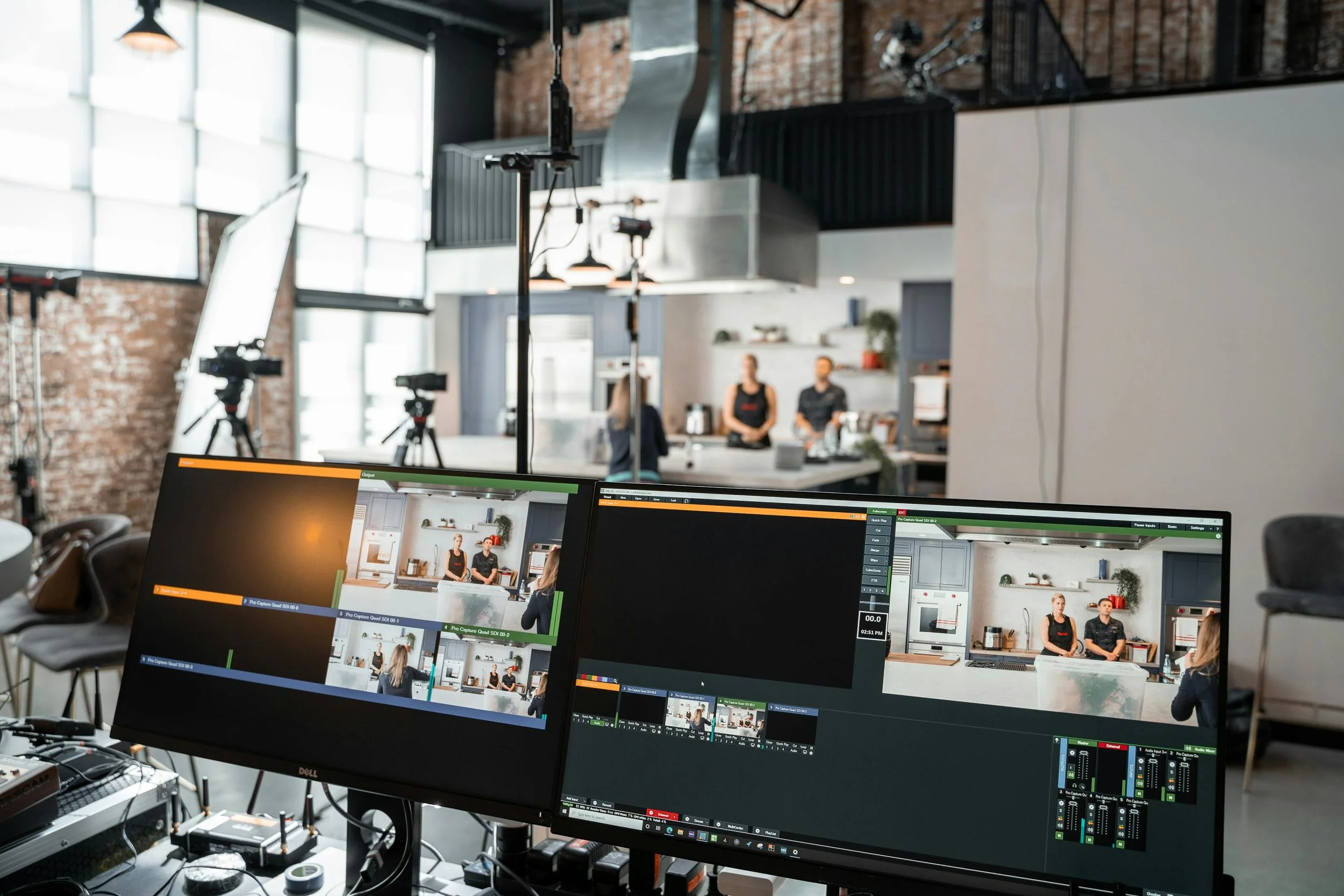
Even the most meticulously planned productions—from the high-budget sets of Avengers: Endgame to independent stop-motion shorts—encounter unexpected hurdles. The difference between a successful shoot and a total shutdown often comes down to how quickly you can troubleshoot.
Here are some of the most common on-set headaches and the "pro-level" fixes to keep your production moving.
1. Technical Glitches: The Camera or Software Crash
In an era where we rely on complex digital tools and software like Dragonframe for stop-motion or high-end cinema cameras, tech failures are inevitable.
The Problem: The camera won’t trigger, or the software freezes mid-scene.
The Fix: Power Cycle Everything. It sounds simple, but a full "hard reset"—unplugging the power source and battery—clears the cache and often resolves communication errors.
Prevention: Always have a backup "shutter release" and extra data cables. If you are using a green screen, ensure your computer's GPU isn't overheating from real-time compositing.
2. Lighting Inconsistency: The "Flicker" Effect
Whether you are shooting a guide to the "Rule of Thirds" or a dramatic scene, inconsistent lighting can ruin your footage.
The Problem: The light levels are changing between frames (common in stop-motion) or your green screen has dark patches.
The Fix: Blackout the Set. If you are indoors, use "black wrap" or heavy curtains to block all natural sunlight, which changes every second. For green screens, use a dedicated light meter (or a phone app) to ensure the light is perfectly even across the surface.
Pro Tip: In manual mode, lock your White Balance and Shutter Speed to prevent the camera from "hunting" for the right exposure.
3. Audio Issues: The Unwanted Background Noise
You finally get the perfect performance, but a plane flies over or a refrigerator hums in the background.
The Problem: "Dirty" audio that makes your dialogue unusable.
The Fix: The "Sound Blanket" Maneuver. Keep moving blankets or thick rugs on set to dampen echoes. If a constant hum is present, record 30 seconds of "Room Tone" (absolute silence). Editors can use this later to phase out the noise.
Alternative: If the audio is unsalvageable, plan for ADR (Automated Dialogue Replacement) in post-production.
4. The "Shaky" Frame
In stop-motion animation, a single millimeter of movement in your camera or set ruins the illusion of life.
The Problem: Someone bumped the tripod, or the floor vibrated as someone walked by.
The Fix: Secure Everything. Use "sandbags" to weight down your tripod legs and "Blue-Tack" to secure your props to the table.
The Recovery: If a bump happens, use your software’s "Onion Skinning" feature to align the current frame perfectly with the last successful shot.
The Golden Rule of Troubleshooting: Stay Calm
On-set problems are not failures; they are part of the creative process. Studios like Pixar or the crews behind Game of Thrones deal with these daily. The key is to have a "First Aid Kit" for your tech—extra cables, tape, sandbags, and a calm mind.
Check out Buddisystems
Sign up for Buddisystems today and unlock a world of creative possibilities!