

Capturing B-Roll: Enhancing Your Story with Supporting Footage
Written by: The Buddi Team
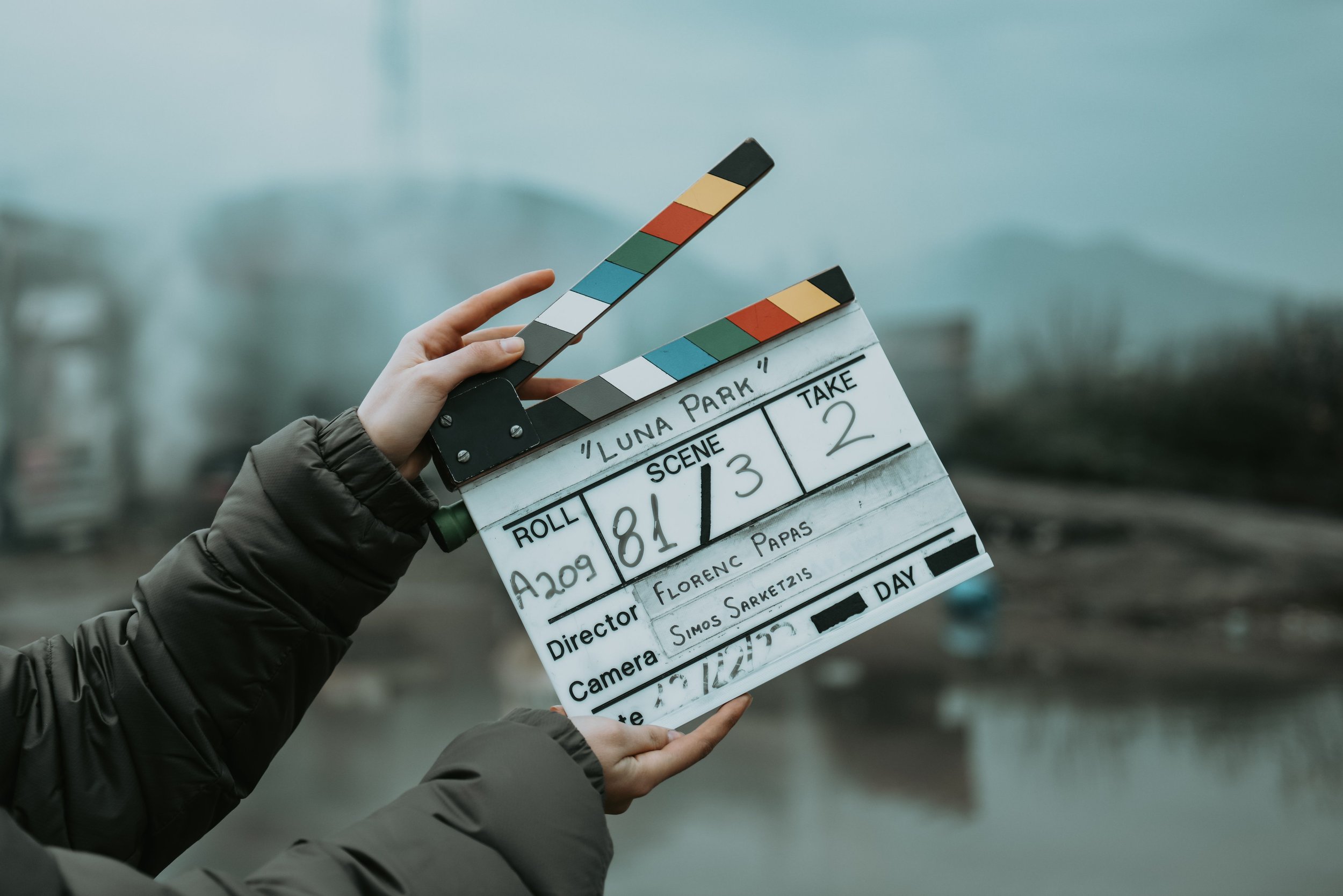
When audiences describe a film, documentary, or commercial as "cinematic," they are rarely reacting to the talking head interview or main narrative action alone (A-roll). What truly elevates a project from a generic recording to an immersive story is B-roll—the supporting footage layered over the main narrative to build context, pace, and visual depth.
Far too often, novice filmmakers treat B-roll as random filler or visual wallpaper. In professional filmmaking, every frame of B-roll serves a distinct psychological and narrative purpose.
1. The Two Types of B-Roll: Sequential vs. Illustrative
Understanding how to shoot supporting footage starts with identifying the two distinct categories of B-roll:
Sequential B-Roll: A connected chain of shots that captures a micro-process or physical action. Think of an artist preparing a canvas: a close-up of squeezing paint onto a palette, a mid-shot of mixing colors, and a wide shot of the brush striking the canvas. These mini-sequences create internal rhythm and keep the timeline moving forward.
Illustrative B-Roll: Standalone contextual images designed to evoke mood, establish environment, or emphasize specific dialogue. Examples include atmospheric shots of rain running down a windowpane, an extreme close-up of a nervous hand tapping, or an establishing shot of a city skyline at dusk.
2. Shooting in Sequences: The 3-Shot Rule
The biggest mistake a filmmaker can make is capturing isolated, static beauty shots with no variety. To give your editor the flexibility needed for seamless cuts, approach every subject using the 3-Shot Rule (or sequence coverage):
Wide Shot (Establishing): Captures the environment and places the subject within their broader spatial context.
Medium Shot (Action): Focuses on the subject performing a task, bridging the gap between location and detail.
Close-Up (Detail): Zooms in on hands, textures, tools, or facial expressions to pull the audience into an intimate physical space.
Pro Tip: Apply the 45-Degree Rule between shots. Whenever you switch camera positions, change your angle by at least 45 degrees and shift your focal height. This prevents jarring jump cuts when matching action in the edit suite.
3. Practical On-Set Rules for Cinematic B-Roll
To ensure your supporting footage integrates smoothly with your primary narrative, lock down your technical workflow before hitting record:
Shoot 5-to-10-Second Holds: Hold every B-roll shot static and rock-steady for at least 5 to 10 seconds before moving the camera. Give your edit room to breathe before and after any movement.
Let Action Enter and Exit the Frame: Frame your shot, press record, and allow your subject to walk into the scene and exit completely before cutting. This creates clean, natural cut points for seamless transitions.
Match Motion to Emotion: Use camera movement intentionally. Slow, deliberate tracking shots with a gimbal or slider build elegance and tension, while handheld camera work brings raw urgency and documentary realism.
"If They Say It, Show It" (And Contrast It): Use B-roll to reinforce key dialogue. If an interview subject mentions their childhood workshop, cut to a detailed close-up of vintage woodworking tools. Conversely, use contrasting B-roll to signal subtext or emotional conflict.
4. Solving Editing Problems with B-Roll
Beyond aesthetic value, B-roll is a powerful practical tool in post-production:
Hiding Jump Cuts: When trimming long-winded interviews or removing awkward pauses, cutting to relevant B-roll hides the splice seamlessly.
Controlling Pacing: Fast-paced cuts between dynamic B-roll clips accelerate energy, while holding on slow, wide illustrative shots lets the audience process heavy emotional beats.
Establishing Visual Hierarchy: B-roll provides essential real estate on screen for lower-third graphics, titles, or voiceover narration to sit comfortably without distracting from the main subject.
Great B-roll isn't an afterthought or a collection of random safety shots—it is the visual engine that translates a script into a rich, sensory world. Plan your sequences, vary your focal lengths, and capture footage that actively elevates your story.
Check out Buddisystems
Sign up for Buddisystems today and unlock a world of creative possibilities!