

Your First Cut: Basic Video Editing for Beginners – Choosing Your Software
Written by: The Buddi Team
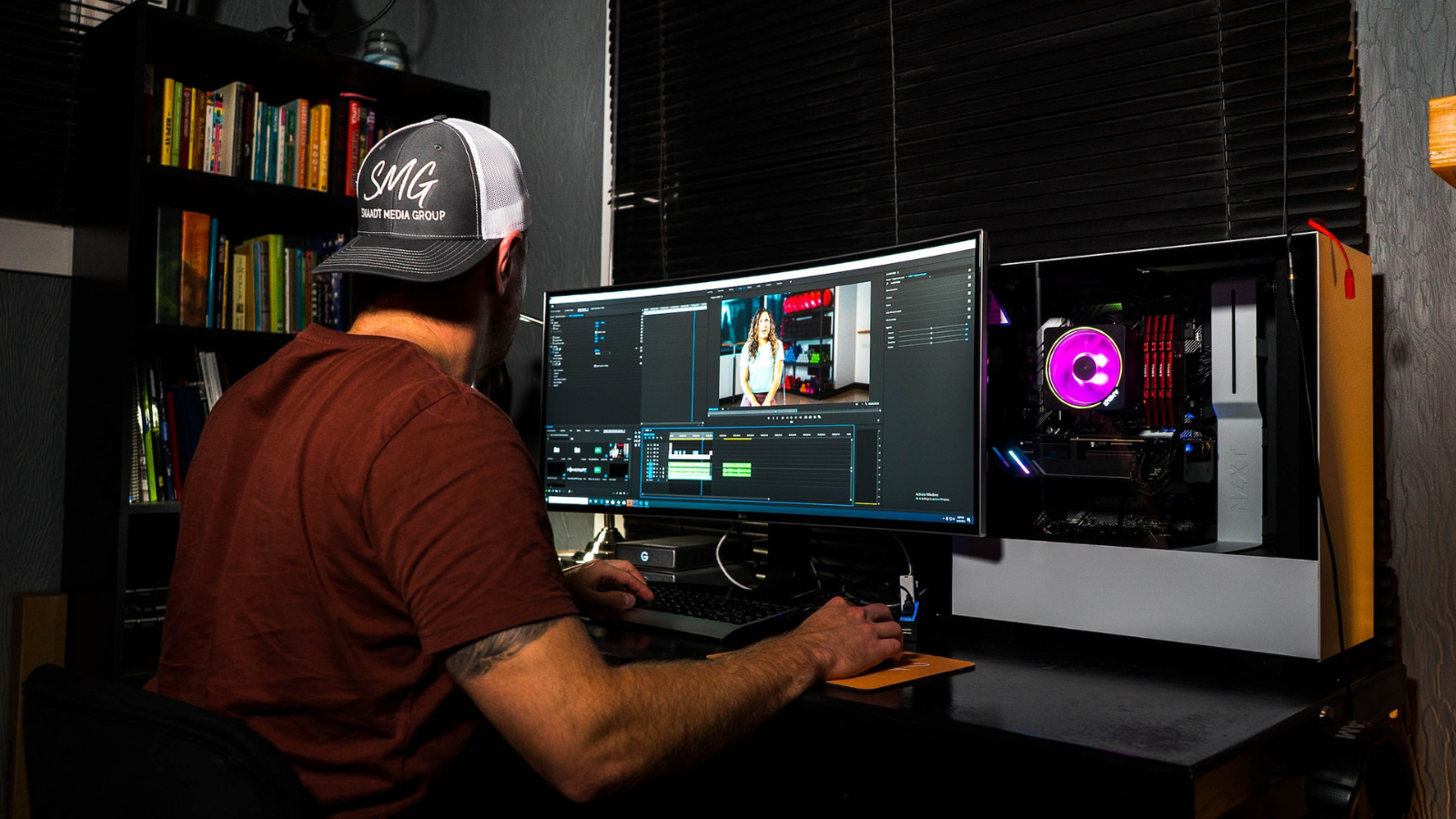
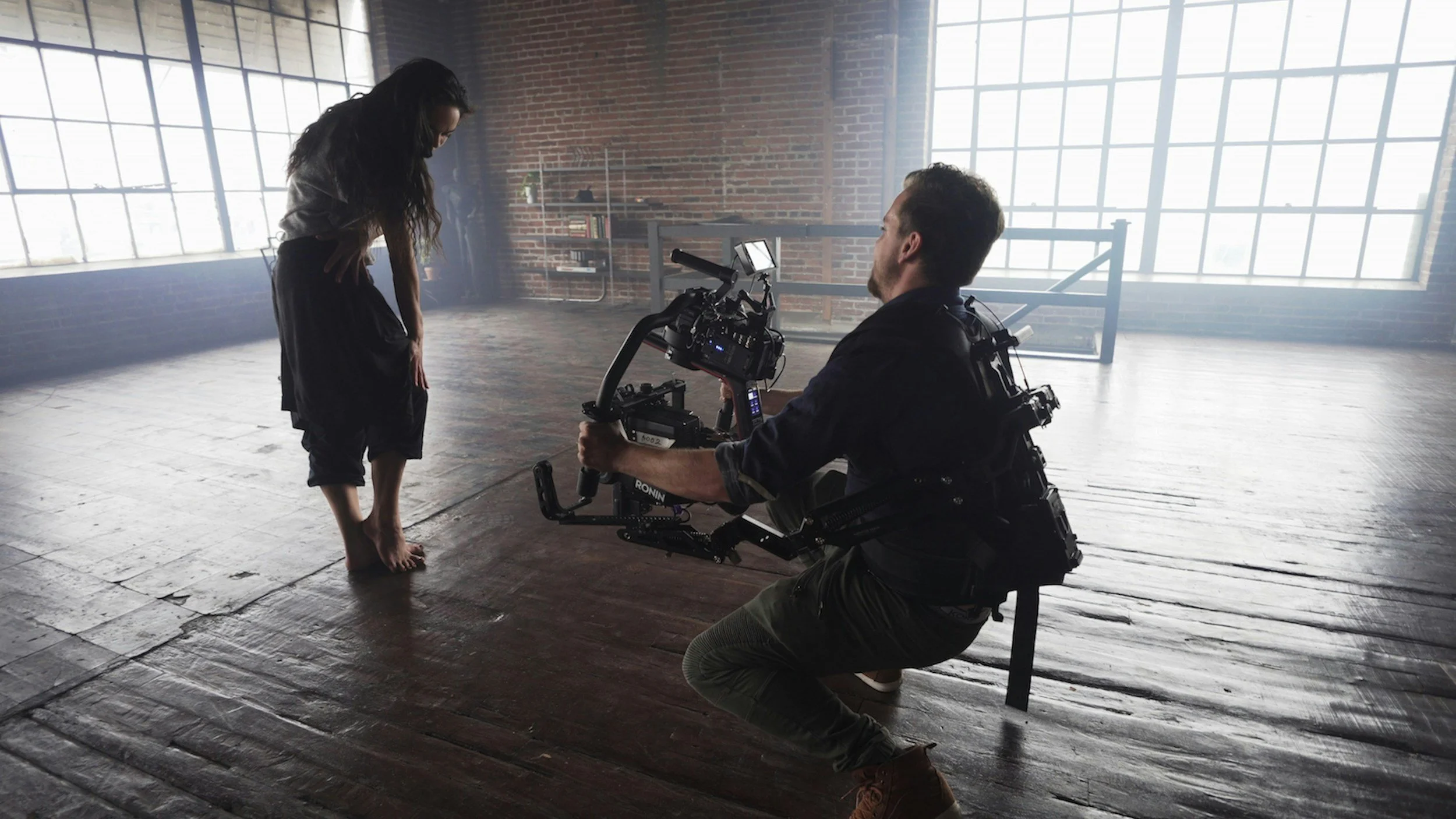
So, you've shot some amazing footage – maybe with your phone, a new mirrorless camera, or even a drone! Now comes the exciting part: turning those raw clips into a captivating story. But before you dive in, you need to pick your digital workshop: video editing software.
For beginners, the sheer number of options can be overwhelming. Don't worry, you don't need Hollywood-grade software to create stunning videos. The best editing software for you right now is one that's easy to learn, affordable (or free!), and fits your computer's capabilities.
Let's explore some common types of video editing software and what to consider when making your choice.
What to Look For When Choosing Software:
Ease of Use: As a beginner, you want something intuitive. Can you quickly figure out how to import clips, trim them, and add music?
Features You Need: Do you just need basic cuts, or do you want to add text, transitions, color correction, or even special effects?
Cost: Are you looking for a free option to start, or are you willing to invest in something more powerful?
System Requirements: Does your computer have enough processing power, RAM (memory), and storage space to run the software smoothly? Video editing can be demanding!
Community & Tutorials: Is there a strong online community or plenty of YouTube tutorials to help you learn?
Software Categories for Beginners:
A. Free & Built-In Options: (Great for your very first steps!)
These are fantastic places to start, often already on your computer or easily downloadable without cost. They're perfect for basic trimming, arranging clips, and adding simple titles or music.
CapCut (Free - Mobile & Desktop): Hugely popular, especially for social media content. It's incredibly intuitive, packed with trendy effects, and available on both your phone and computer. If you're mainly making videos for TikTok, Instagram Reels, or YouTube Shorts, this is a strong contender.
iMovie (Free - Apple macOS & iOS): If you're an Apple user, iMovie is already on your Mac, iPhone, or iPad. It's renowned for its user-friendly interface, drag-and-drop simplicity, and decent set of features for basic editing, including titles, transitions, and audio tools.
DaVinci Resolve (Free Version - Windows, macOS, Linux): This is a professional-grade powerhouse that surprisingly offers a free version with almost all the features of its paid counterpart. It has a steeper learning curve than iMovie or CapCut, but if you're serious about growing your skills without immediate cost, this is an incredible option to learn on. It's used by Hollywood pros for color grading and editing.
Shotcut (Free - Windows, macOS, Linux): An open-source, cross-platform video editor. It's a bit more advanced than iMovie but less intimidating than DaVinci Resolve, offering a good balance of features for intermediate beginners.
B. Affordable Paid Options: (Stepping up your game)
Once you've mastered the basics and want more features without a massive leap in complexity or price, these are excellent choices. They often offer more control, better effects, and more robust timelines.
Filmora (Windows & macOS - One-time purchase or subscription): Wondershare Filmora is widely loved by YouTubers and content creators for its excellent balance of user-friendliness and powerful features. It offers a vast library of effects, transitions, and royalty-free music, making it easy to create polished videos quickly. There's usually a free trial available.
CyberLink PowerDirector (Windows & macOS - One-time purchase or subscription): Another strong contender known for its speed and comprehensive feature set. It offers a more professional feel than Filmora but is still relatively easy for beginners to pick up.
Making Your Decision:
Start Free: Seriously. Begin with CapCut, iMovie (if you have Apple), or try out DaVinci Resolve's free version. You'll quickly learn what features you use most and what limitations you might encounter.
Check Your Computer: Before downloading anything, look up the software's system requirements and compare them to your computer's specs (processor, RAM, graphics card). Video editing can be demanding!
Watch Tutorials: Once you've chosen a few contenders, spend 15-30 minutes watching "beginner's guide" tutorials for each on YouTube. Which interface looks more comfortable to you?
Experiment: Download the free trials (if applicable) and try editing a short video. See which one feels most intuitive and enjoyable to use.
Remember, the goal is to get started and tell your stories. Don't get bogged down by the sheer number of options. Pick one, learn it inside out, and let your creativity flow! Happy editing!
Check out Buddisystems
Sign up for Buddisystems today and unlock a world of creative possibilities!